The first post is easy. The fortieth is where brands drift: a new filter, a different font, a stock photo that almost fits. Here is a simple way to make every post look like it came from the same company, without a designer on call.
Decide your brand's look once, as a moodboard, and make every post from it. In MoodyBoards you open your board, describe the post in a sentence (“holiday sale, 20% off select styles”), add a photo of your product if you have one, and pick portrait, square or landscape. The post comes back in your colors and style. The look stays the same because it comes from the same board every time.
Nobody decides to make their feed look messy. It happens one post at a time. You're in a hurry, so you grab a template that's close enough. A holiday comes up, so you try a red you've never used. Someone else posts while you're away and picks their own font. Each choice is fine on its own. Forty of them in a row is a feed that looks like five different companies.
The cause is almost always the same: the look lives in someone's head instead of in one place. Every post starts from a blank canvas, so every post re-decides the colors, the type and the kind of photo. That's slow, and it's where the drift comes from.
Big brands fix this with a brand book and a design team. Small brands need the same thing at a size they can actually keep up with.
A moodboard is a single image that shows your brand's whole feel: palette, type, photography, textures, mood. If you don't have one yet, start there. We wrote a guide on how to make a brand mood board, and our brand mood boards page shows what a finished one looks like.
Once the board exists, it becomes the starting point for every post. You stop asking “what should this look like?” and only answer “what is this post about?” That's a much faster question, and it's one anyone on your team can answer.
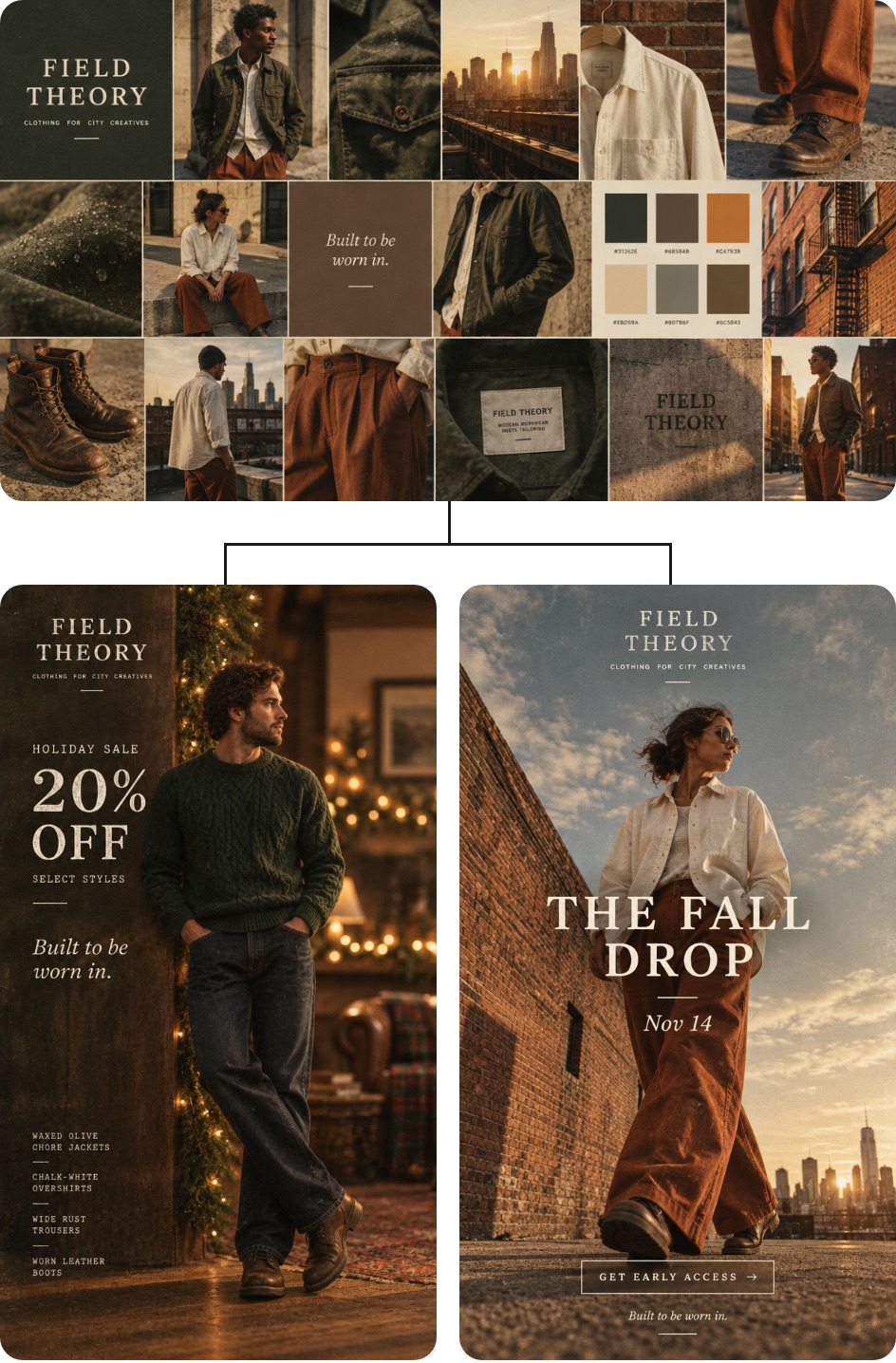
In MoodyBoards it takes three steps:
If it's close but not quite right, edit it. “Make it brighter” or “remove the price” makes a new version, and the original stays saved.
The same post often needs to live in more than one place. A rough guide:
Instagram and Facebook feeds, stories, reels covers, Pinterest. Takes up the most room on a phone screen.
Works almost anywhere. A safe default when you're posting one image to several places.
LinkedIn, X, YouTube thumbnails, website banners and email headers.
Because every version comes from the same board, the portrait one for Instagram and the landscape one for LinkedIn still read as the same campaign.
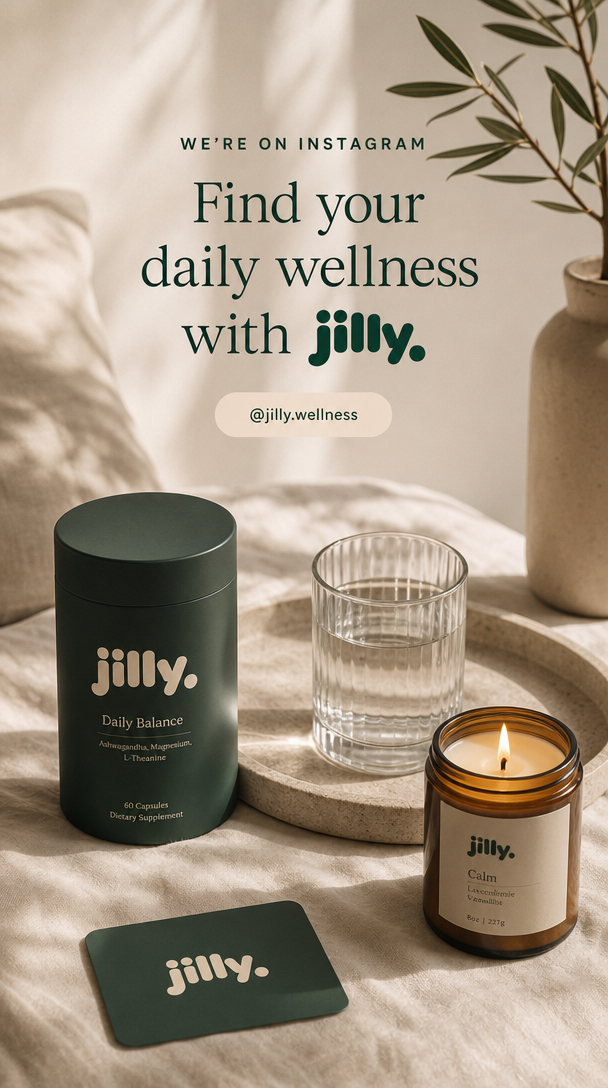
Consistency on social is as much about rhythm as looks. The brands that keep posting are usually the ones that batch: one sitting on Monday covers the whole week. With a board as the starting point, batching gets easier, because you're only writing the idea for each post, not designing each one.
A simple weekly batch for a small brand might be: one product post, one behind-the-scenes or mood post, and one offer or announcement. Write the three descriptions, make them, download them, schedule them. Done until next Monday.
Honest limits, so you know where your own eyes are still needed:
If you're a marketer weighing tools, our roundup of AI design tools for marketers covers where each one fits. Selling products online? See brand design for ecommerce.
Decide your look once, in one place, and make every post from it. A moodboard holds your colors, type, photography style and mood. If every post starts from that board, they match each other without you re-deciding the look each time.
Portrait (taller than wide) takes up the most room in Instagram and Facebook feeds and suits stories and reels covers. Square works almost everywhere. Landscape suits LinkedIn, X and website banners. If you post the same idea in several places, make one of each.
Yes. Attach a photo of your product when you describe the post, and the image is built around it in your brand's style. Check the result closely, since AI can change small details like label text.
Not for everyday posts. You need a clear look and a fast way to apply it. A designer is still worth it for your logo and identity. Once that look exists, making weekly posts from it is the part you can do yourself.
As often as you can keep up with without the quality dropping. A steady rhythm you can hold for months beats a burst you abandon in two weeks. Make posts in batches so one sitting covers a week or two.