Describe your brand or story, get a moodboard, then generate finished images that all share the same look — automatically.
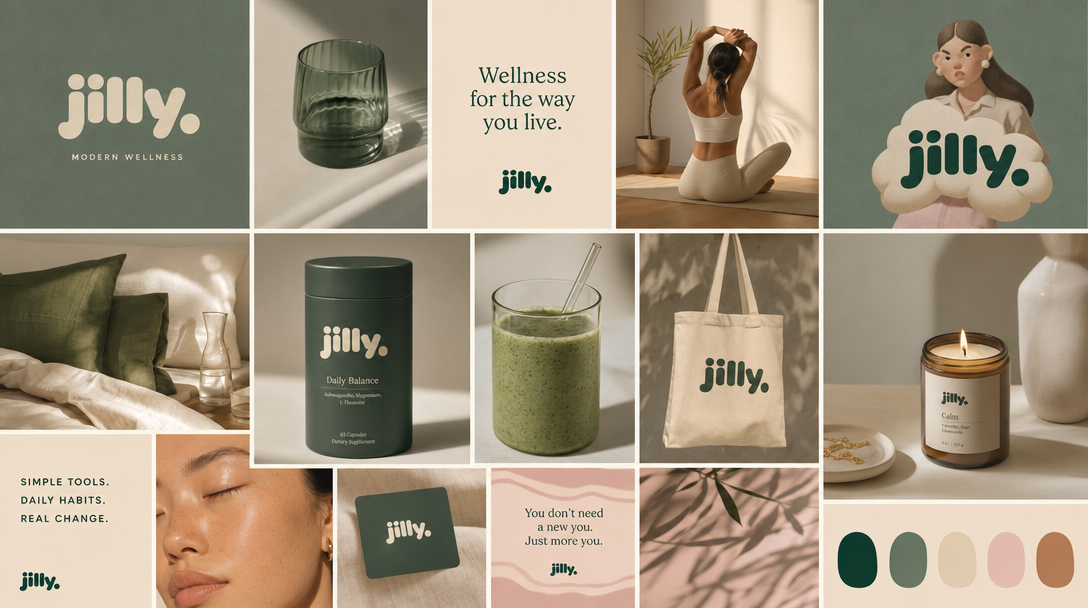
MoodyBoards is an AI mood board generator built for one thing: deciding how something should look, then making everything you create match. You write a few sentences about your brand or your story, and you get a moodboard — a color palette, a typography direction, lighting, and an overall mood. That board becomes the visual rulebook for everything that follows.
The part that matters comes next. Once your direction exists, you generate real images from it — packaging, social posts, storefronts, key art, lifestyle scenes — and they all inherit that same look without you re-describing it. The board does the remembering, so you stop fighting to keep your work consistent and just make it.
Type a few sentences describing your brand, product or story into MoodyBoards, and it returns one finished moodboard with a palette, typography direction, lighting and mood. You don't need a separate image generator or layout tool to assemble it. Then you generate on-brand images from that board.
A good description names the feeling, the audience, a reference or two, and anything to avoid. Plans are Starter at $9.99/month and Pro at $19.99/month, billed monthly, cancel anytime; Pro adds uploading your own moodboards and more room to generate. Images are cleared for commercial use with no attribution required. See pricing for details.
Updated November 27, 2026
Boxes, labels, and product shots that carry your palette and type into every mockup.
Feed-ready graphics and scenes that look like one brand, not ten different prompts.
Retail and web storefront scenes that match the mood you set on day one.
Posters and hero visuals for a film, launch, or campaign, all on the same direction.
People-and-product scenes with consistent lighting, tone, and color.
Variations for testing that stay on brand instead of each one looking like a different company.
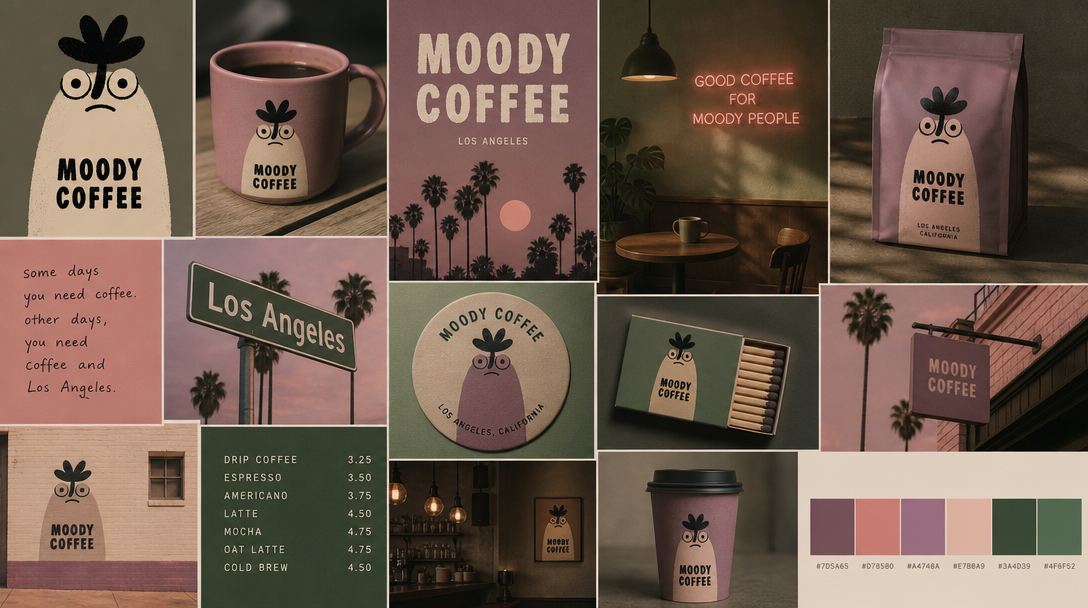
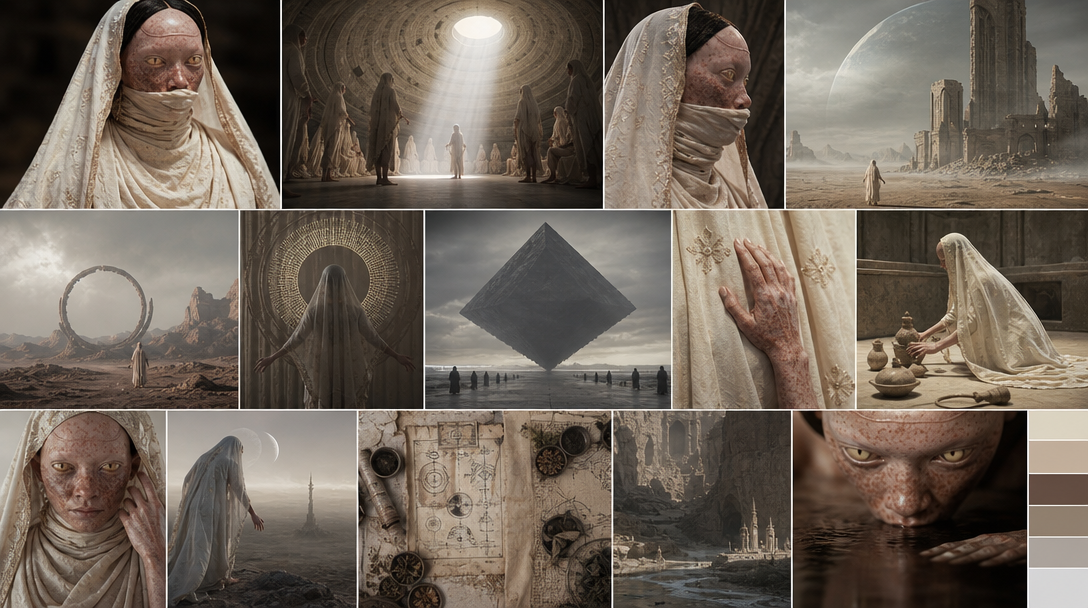
General image tools are powerful, but they have no memory of your brand. Every prompt starts from zero, so you re-type your style each time — and even then results drift. Two images made an hour apart can look like they came from two different companies. Staying consistent becomes a manual job you do by hand, prompt after prompt.
MoodyBoards flips that. You define your visual direction once, and it's saved. Every image you generate is built from that same board, so consistency is the default — not something you have to police. That's the whole point: less re-describing, more output that already looks like you.
Lock a direction, then produce variations without redoing the look each time.
Stand up a consistent visual identity fast, before you can afford a full studio.
Keep client work on brand across every asset and every team member.
Turn a collection's mood into lookbooks, campaigns, and product imagery.
Build a story's visual world, then generate key art and scenes that match it.
It's a tool that turns a written description of your brand or story into a moodboard — a palette, typography direction, lighting, and overall mood. MoodyBoards goes a step further: once the board exists, it generates finished images that all follow that same direction automatically.
General image tools make you re-describe your style in every prompt, so results drift. MoodyBoards saves your brand's visual direction once, so every image you generate stays consistent without rewriting the look each time.
Yes. Upload a logo and reference images to anchor the direction, and everything you generate is built to stay on brand.
Yes. You can edit individual images with AI after generating — adjust details, swap elements, or refine the result without starting over.
Yes. Images are cleared for commercial use with no attribution required. MoodyBoards is free to sign up with no card, and your first board is a preview; unlocking it needs Starter at $9.99/mo or Pro at $19.99/mo.
Yes. In MoodyBoards you type a description of your brand or story and get a full moodboard back, with no separate image tool or layout step. For more on how AI moodboard generators work, read Can AI create a moodboard?