To turn a moodboard into on-brand images, lock its palette, type pairing, lighting and mood into a reusable spec, then make every asset from that spec instead of starting from scratch. MoodyBoards does this for you: describe the brand, get the board, then generate packaging, social posts, storefronts and key art that inherit the board's direction automatically.
A moodboard is only useful if every later image follows it. Pull out the palette, type, lighting and texture. Write them down as a spec. Make each image from that spec. Then add the real logo, legal copy and exact type in a layout tool, and check the set side by side. You can do this by hand with a design tool and an image generator, or let MoodyBoards hold the spec for you.
Follow five steps. The first two turn the board into rules. The last three apply the rules to real assets.
| Step | Manual route | MoodyBoards route |
|---|---|---|
| 1. Extract the look | Pick colors with an eyedropper, guess the fonts, note the lighting yourself | The board is generated from your description, so the palette, type and mood come with it |
| 2. Write the spec | Build a brand sheet in a design tool such as Figma or Canva | Every board comes with its palette, type pairing and mood written out as a spec |
| 3. Make the images | Re-describe the style in each prompt to an image generator, or brief a photographer | Generate from the board; each image inherits its direction without re-describing it |
| 4. Add real brand pieces | Layout tool | Upload your logo and product photos, or paste your website so it finds them; final legal copy still goes in a layout tool |
| 5. Check consistency | By eye, against the sheet | By eye, against the board; edit a single image with AI instead of starting over |
The manual route works. It just puts the job of staying consistent on you, every time you make something new.
Here is a sample wellness brand, jilly. The brief was a short description of a calm, modern wellness line. MoodyBoards returned the board below: deep green and cream with a soft pink and terracotta accent, a rounded wordmark, a serif for headlines, soft daylight and linen textures.
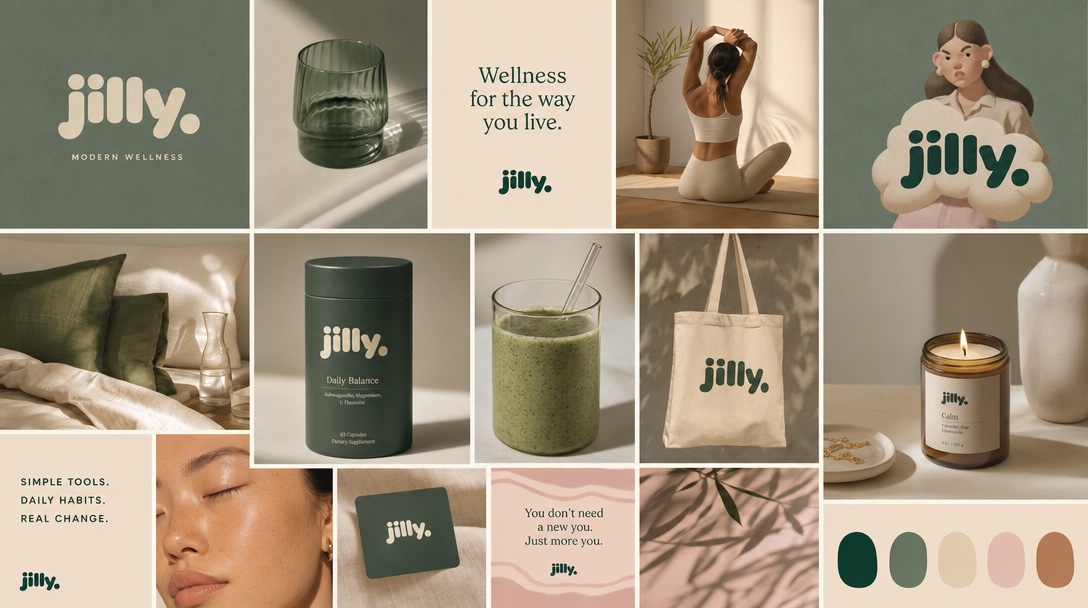
Every image after that was made from the board, not from a new prompt that tried to describe it again.
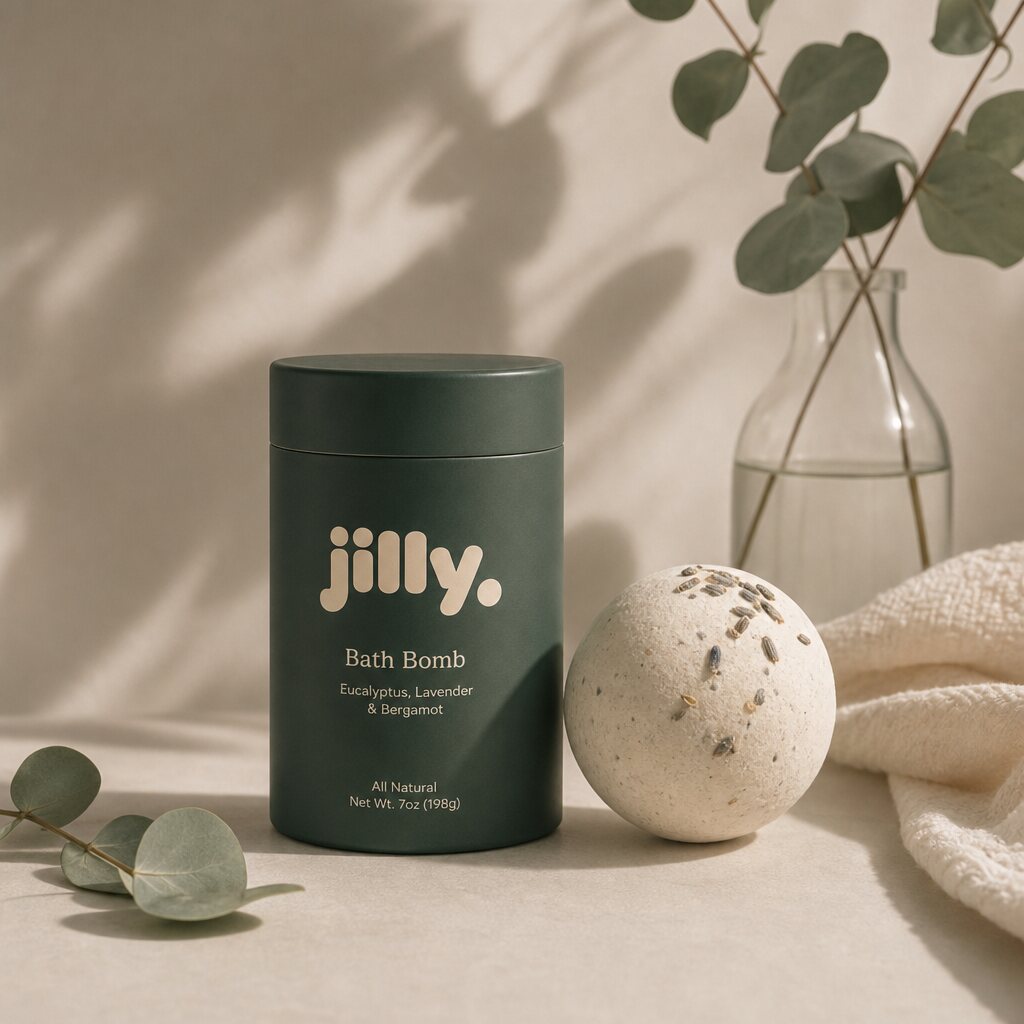
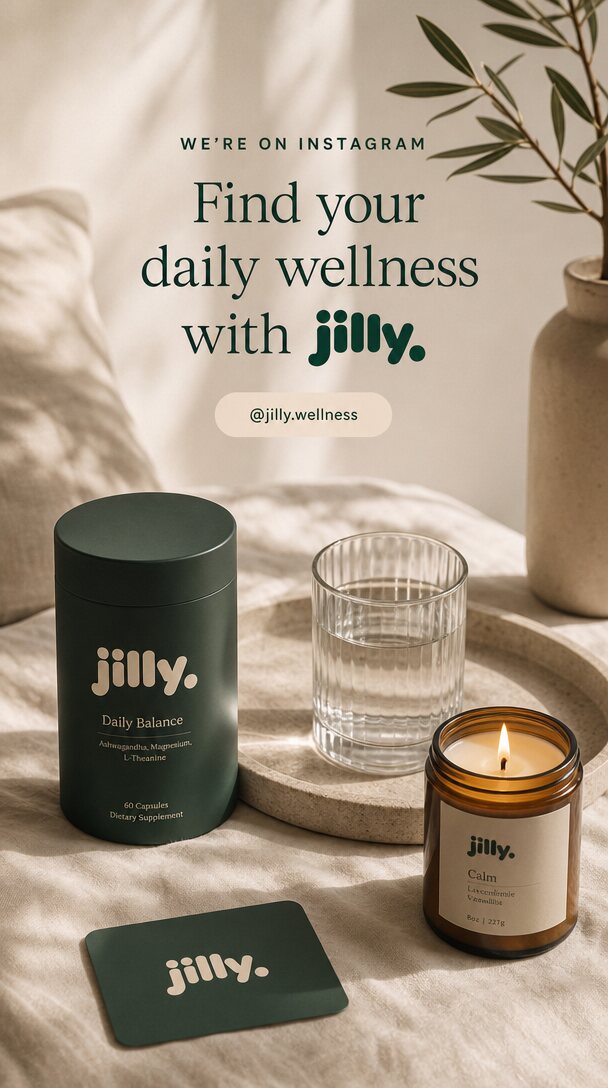
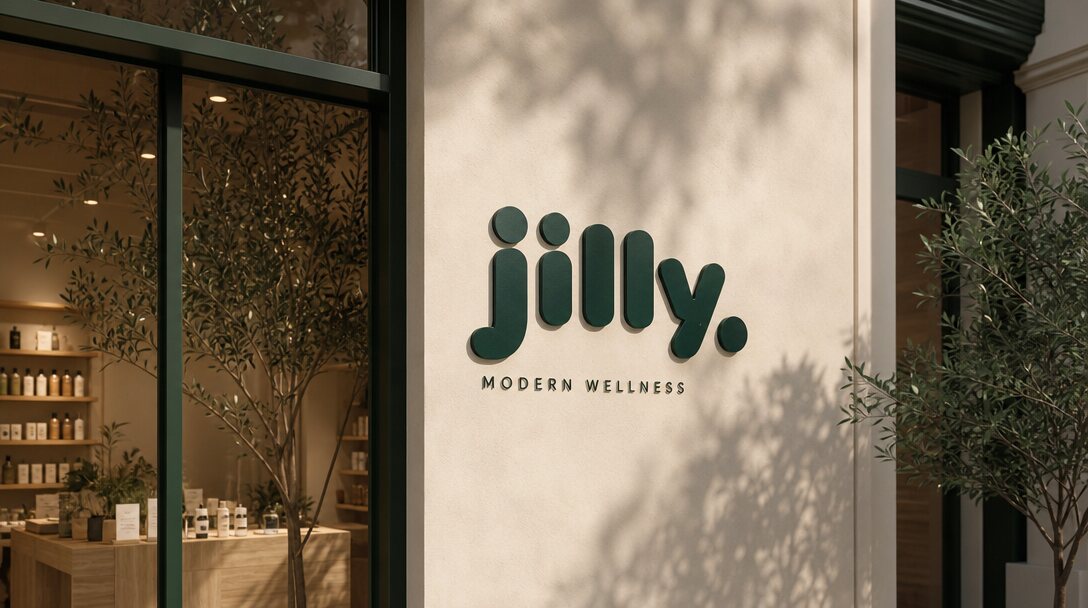
Three formats, one brand. For a weekly routine built on this, see how to keep social media posts on brand.
| Asset | Lock from the board | Still needs a design tool |
|---|---|---|
| Packaging | Palette, material and finish, lighting, how the product sits in the scene | Dieline, barcode, ingredients, legal copy, exact type |
| Social post | Palette, lighting, props, mood, how much empty space to leave for text | Final headline in your real font, handle, sizing for each feed |
| Ad | Palette, product look, background style | Offer text, price, call to action, platform safe zones |
| Storefront or signage | Materials, wordmark color, setting, time of day | Exact sign dimensions and production files |
| Scene or hero image | Lighting, texture, palette, character or product look | Crops for each placement on your site |
Treat a generated packaging shot as a mockup, not print artwork. Dielines, barcodes, nutrition or ingredient panels, regulatory text and exact typography belong in a vector tool such as Illustrator or Figma. The same goes for small text in an ad.
What AI does well here is the part that used to take a shoot or a long art-direction pass: the look of the product in its world, kept the same across many images. The board decides that look. You decide the words and the print details.
If you want the rules behind the board before you start, our guide to making a brand mood board covers how to set one up, and how to make a brand kit with AI covers the palette and type side.
Signing up is free and needs no card, and you can make one board as a preview. Making images from your boards needs a plan: Starter is $9.99 a month and Pro is $19.99 a month, billed monthly, cancel anytime. Both plans include on-brand images from any board, full-resolution downloads, the palette, type and mood spec, and your own reference photos. Pro adds uploading a moodboard you made somewhere else, and more room to generate. See pricing for details.
Yes. You can upload a logo and product or reference photos, or paste your website and MoodyBoards finds your logo and product photos for you to pick from. Reference photos are on both Starter and Pro. You need the rights to anything you upload.
Make every image from the same saved board, and add a photo of the real product as a reference. MoodyBoards applies the board's palette, lighting and texture to each new image, so you don't re-describe the style each time. If one image drifts, edit that image instead of starting over.
Yes. Images you generate in MoodyBoards are licensed for commercial use with no attribution required, including packaging, social media, ads and storefronts. Under current U.S. law, purely AI-generated images may not be eligible for copyright protection, so you may not be able to stop others from using a similar image.
Yes, on Pro. Uploading a finished moodboard you made elsewhere and generating images that match it is part of the Pro plan. Both plans make boards from a description.
For final production, usually yes. Use a layout tool for exact type, legal copy, dielines and barcodes. The board and the generated images give you the look; the layout tool gives you print-ready files.