A brand kit is what keeps your logo, colors, fonts and images looking like one company. AI can build most of it from a sentence. Here is what a brand kit needs, which parts AI does well, and a simple way to make one.
To make a brand kit with AI, describe your brand, who it's for and how it should feel, then let an AI brand kit generator return a palette, a font pairing and a consistent image style. Add your logo if you have one so the colors come from it. Keep the exact color codes and font names, and make every new image from that same look.
A brand kit is short on purpose. It's the handful of decisions you don't want to make again every time you post, print or build a page:
The logo gets the attention, but the palette, fonts and image style are what make a feed or a website look like one brand. That's the part most people are missing.
“AI brand kit generator” covers two different kinds of tool, and it's worth knowing which one you're looking at:
You answer a few questions, pick a logo, and get it placed on business cards and social templates. Good when the logo is the thing you need.
You describe the brand and get the visual direction: palette, fonts, image style and sample images in one look. Good when you need everything around the logo to match.
We compared seven of them in the best AI brand kit generators. MoodyBoards is a look-first tool. It doesn't make logos.
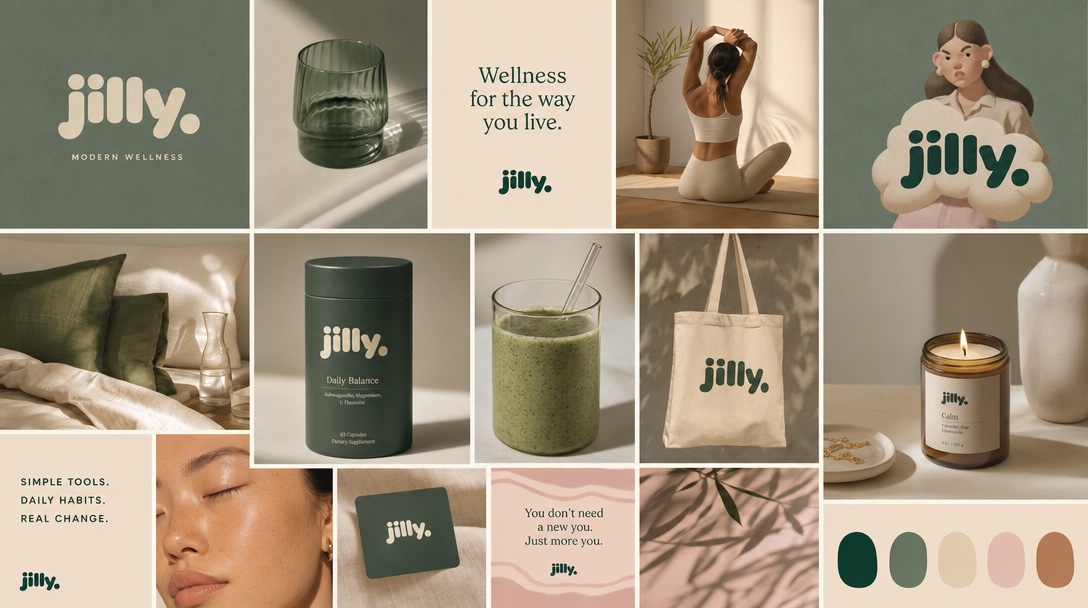
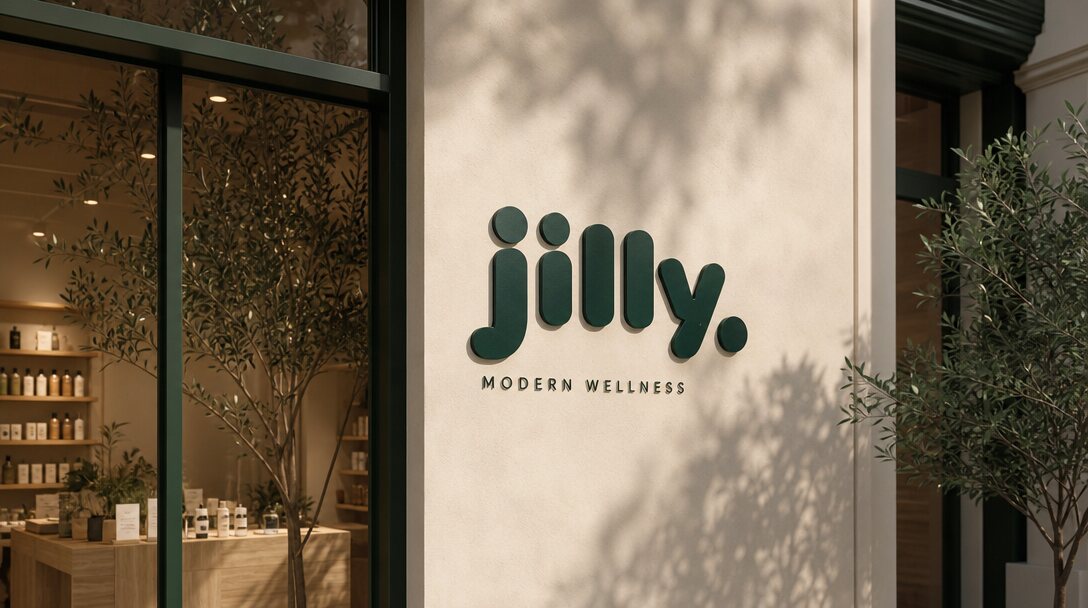
A mood board sets the feeling: the direction everyone agrees on. A brand kit turns that feeling into the assets you reuse: logo, color codes, fonts, image style. Brand guidelines are the long version, with rules for spacing, tone of voice and what not to do. Most small brands need the first two long before the third. More on the first step in how to make a brand mood board.
A brand kit is the small set of rules that makes everything you publish look like it came from the same company: your logo, a color palette with exact color codes, one or two fonts, and a clear photography and image style. It is what you hand to anyone who makes something for your brand.
Yes, with one caveat. AI is very good at the visual direction of a brand kit: a palette that works together, a font pairing, and a consistent image style, all from a short description. Most AI brand kit generators are really logo makers with templates attached, so it helps to know which part you need before you pick a tool.
It depends on the part you need. If you need a logo first, a logo maker like Looka, Brandmark or Tailor Brands is the fastest route. If you already have a logo, or need the look around it (colors, fonts, images that match), MoodyBoards builds that from a sentence. Many small brands use one of each.
No. MoodyBoards builds the brand look around a logo: palette, fonts, photography style and on-brand images. If you have a logo, attach it and the board can take its colors from it. If you don't, get one from a logo maker or a designer and bring it in.
Not fully. In MoodyBoards, signing up is free and needs no card, and your first board is a preview; unlocking it and making more needs Starter ($9.99/month) or Pro ($19.99/month).