Most AI image generators hand you an empty box and wish you luck. We threw the empty box out.
The short answer. MoodyBoards is an AI mood board generator that removes prompt writing. You describe your brand in plain words. MoodyBoards turns that into a mood board with a palette, type and mood, and that board becomes the brief for every image you make after it. You never pick an AI model, never learn prompt engineering, and every project gets its own board, so its images stay consistent with each other and separate from everything else.
Open almost any AI image generator and the first thing it asks of you is a prompt. Then the homework starts. Lighting terms. Lens lengths. Style keywords. Negative prompts. Aspect ratios. Which model is good at text, which one is good at faces, which one this week.
None of that is the work you came to do. You wanted images for a brand, a launch or a client. Instead you're learning how to talk to a machine. The worst part: even when a prompt works, the next image comes out looking like a different company. Brand consistency is the whole point of branding, and a blank prompt box has no memory of what your brand looks like.
In MoodyBoards you don't write a prompt. You describe your brand: what it is, who it's for and how it should feel. That's it.
From that description, MoodyBoards builds a mood board: a color palette, typography, lighting and mood, laid out on one page. If you type an instruction instead, like “generate a realistic moodboard,” it asks you to describe the brand. That's on purpose. The description is the only input that matters, and you already know how to write it because it's your business.
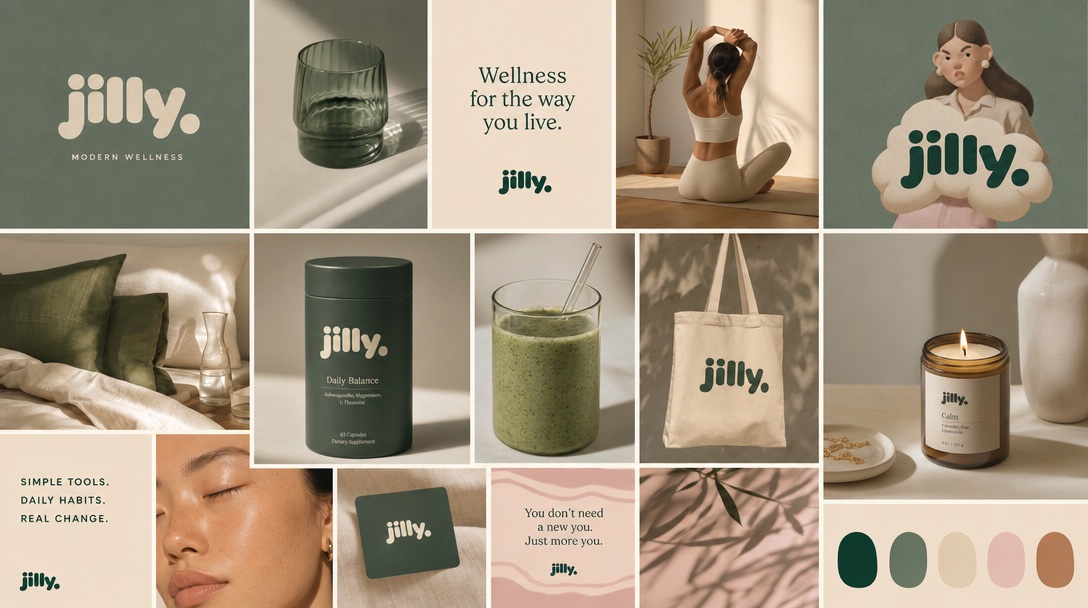
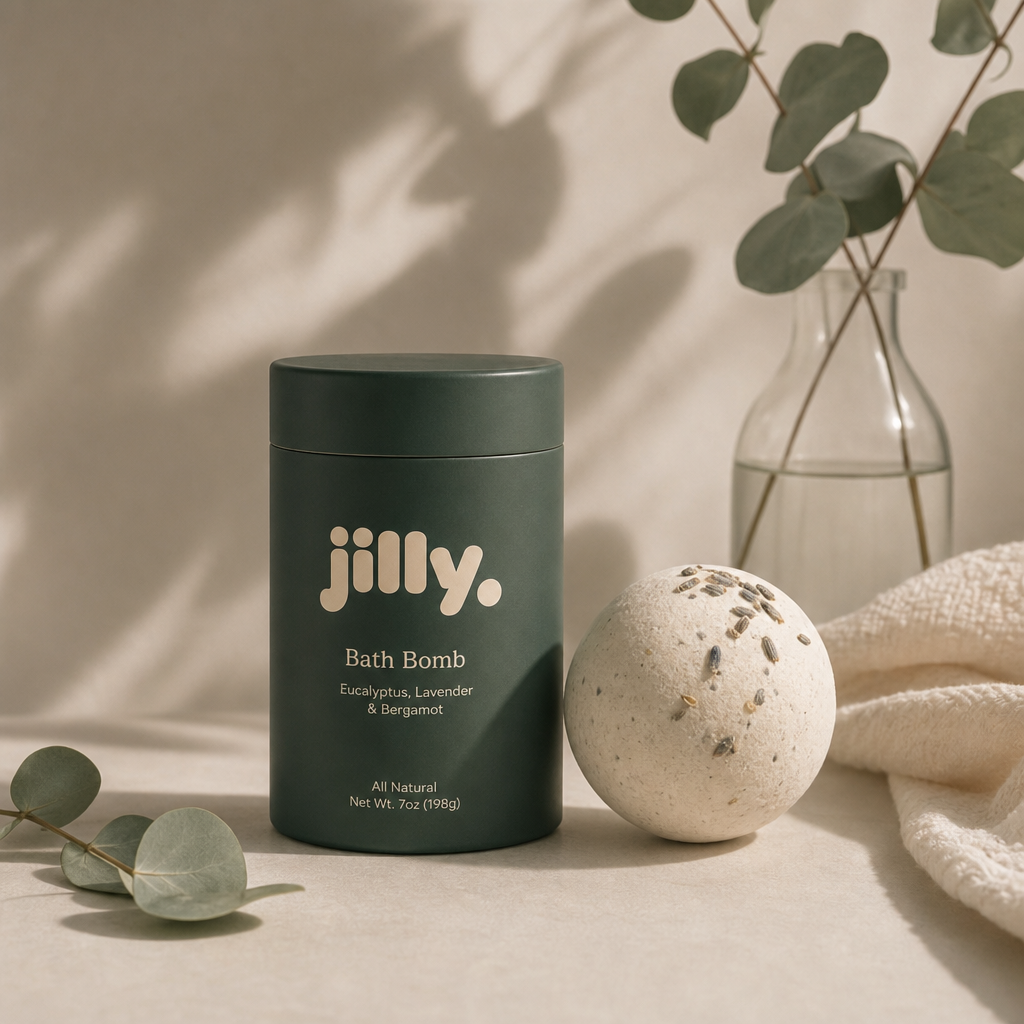
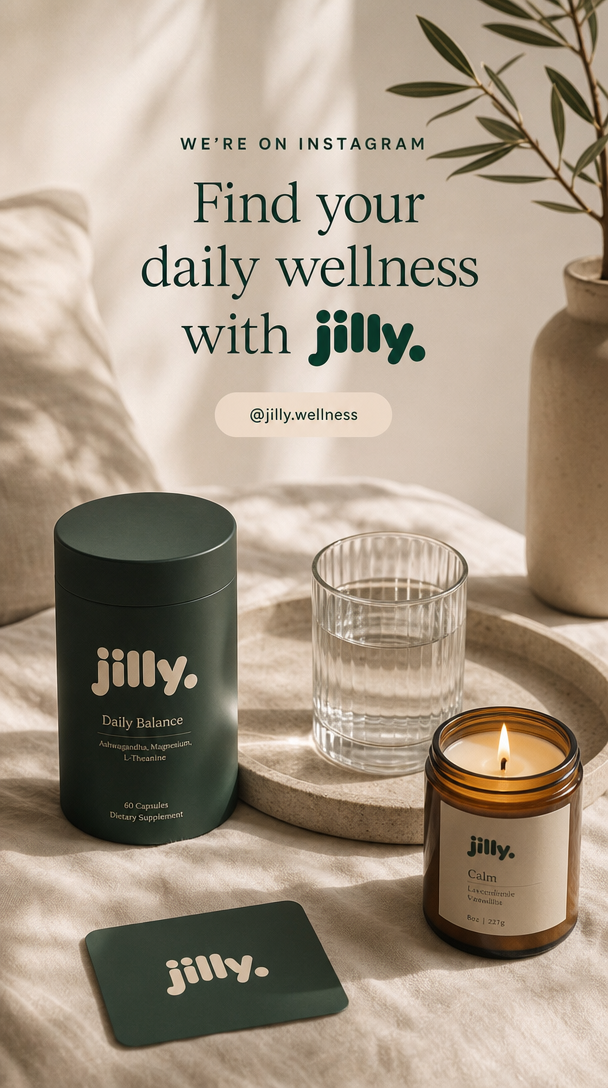
This is the part that makes it work. Every image you generate on a board is made with that mood board attached as the brief. You type the subject in normal words, like “a tote bag on a café table” or “an Instagram post for our spring sale.” The palette, type, lighting and treatment come from the board. You don't describe your aesthetic again, because the board already holds it.
The same goes for changes. Click Edit on any image and say what you want in your own words, even vague ones. “Make it more premium” gets turned into concrete visual changes before the image is redone: deeper tones, softer light, more negative space. You say what you mean, and MoodyBoards handles the translation.
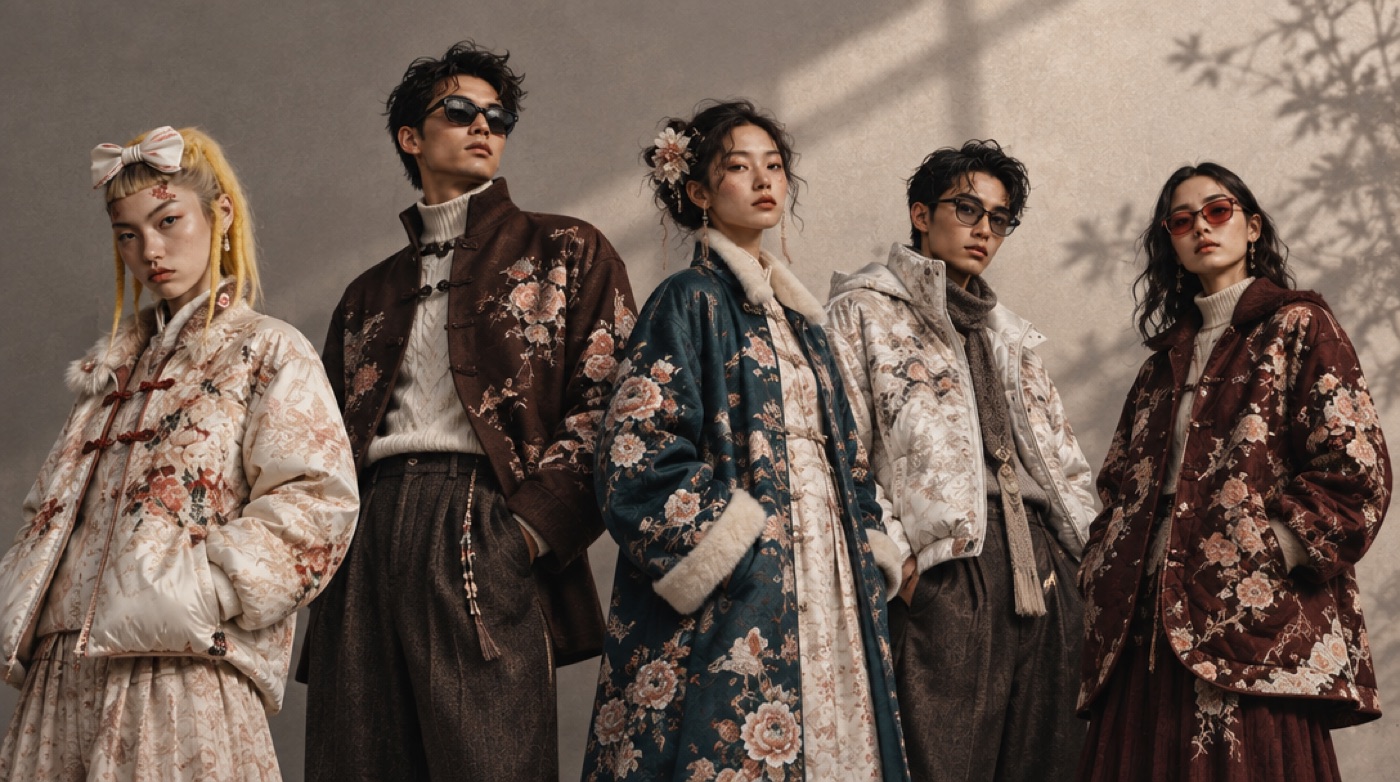
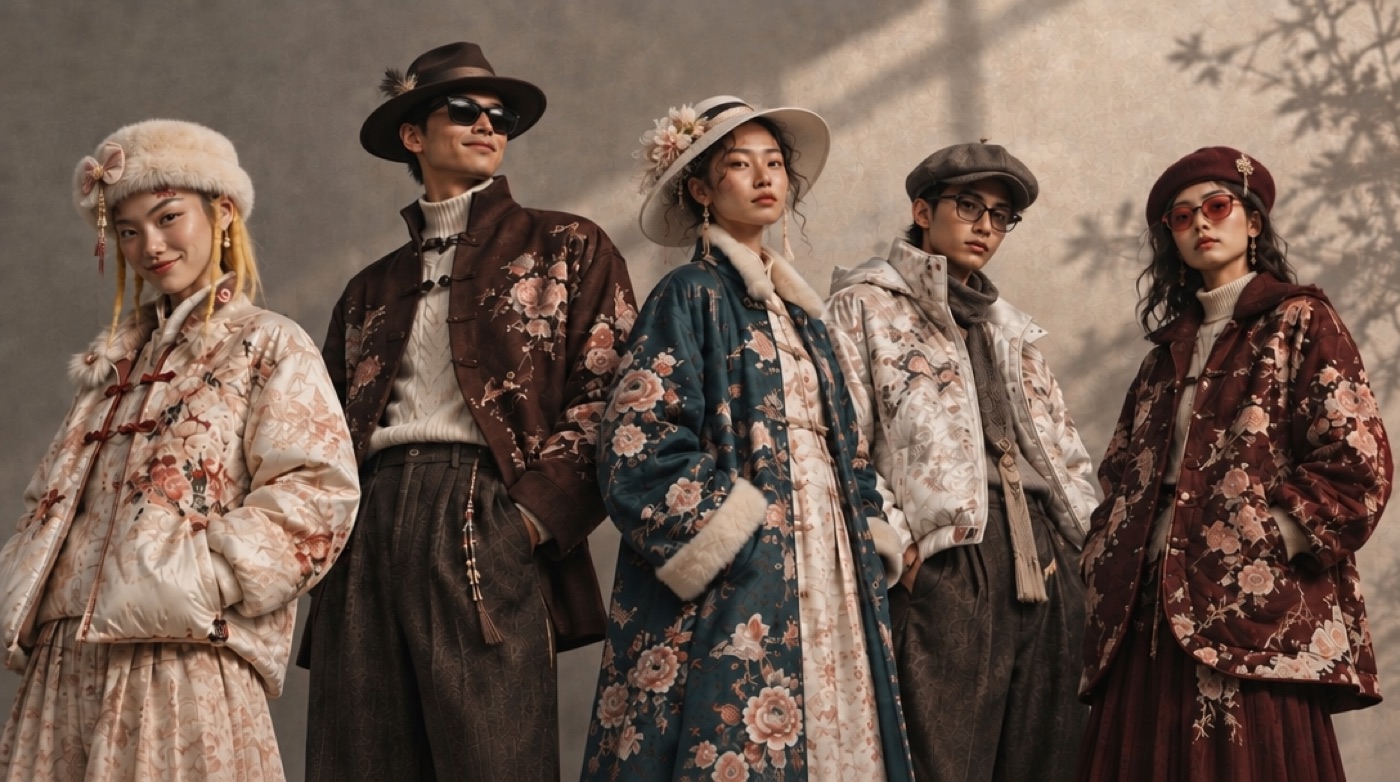
You also never choose an AI model. We pick the model behind every generation and swap it when a better one comes out. If you want to go deep on models, we've written about which AI image model is best for which job and compared Midjourney, Nano Banana and GPT Image. You don't have to read either one to get a good result.
The other thing that makes MoodyBoards different from a general AI image tool is where your work lives. In a chat-style generator, your images end up in one long scroll. Last week's client sits next to this week's side project, and the style of one leaks into the next.
In MoodyBoards, each brand or project gets its own board. The mood board, every image you've generated from it, every edit and every earlier version of the mood board stay together in one place. Change the mood board and new images follow the new look. The earlier versions are saved on the board, so you can switch back at any time. Start a second brand and it gets a board of its own that never bleeds into the first.
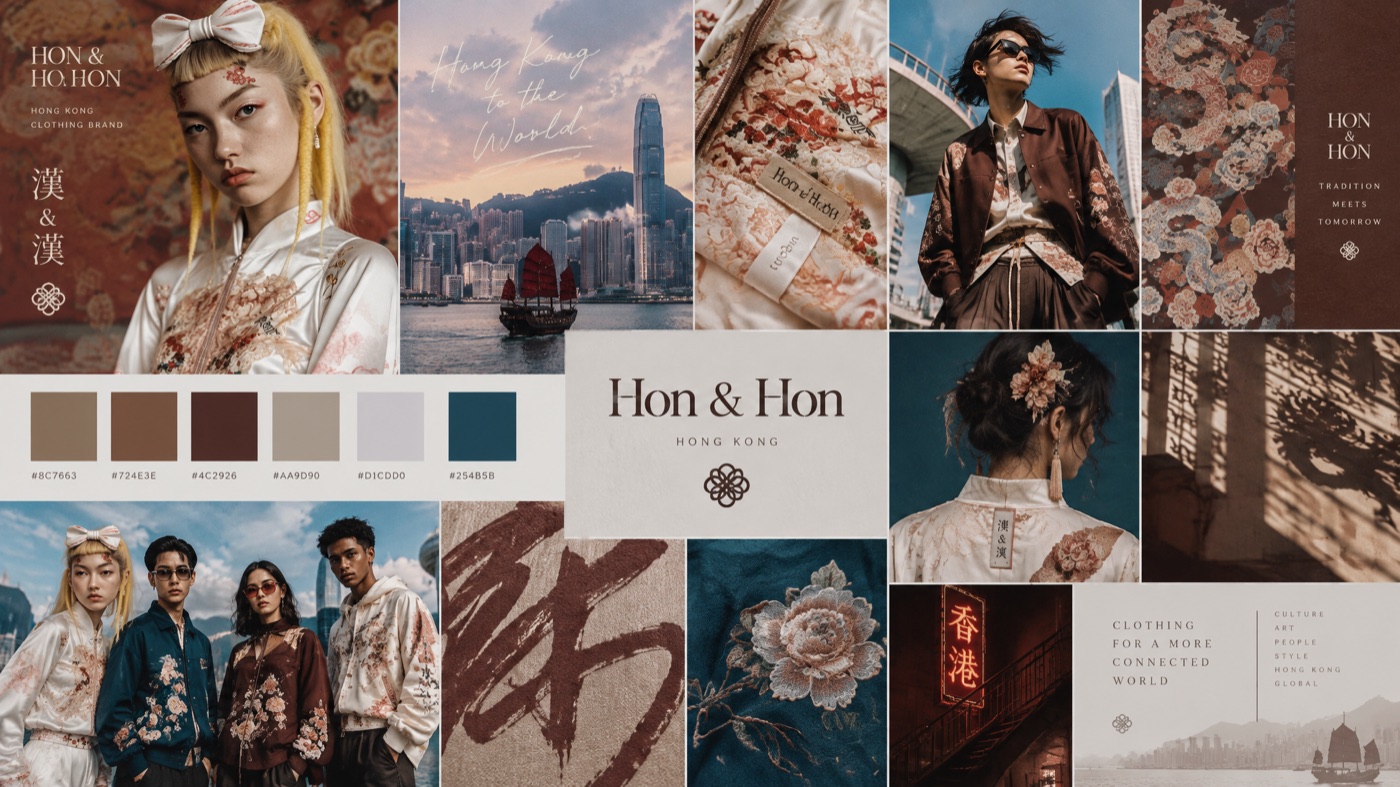
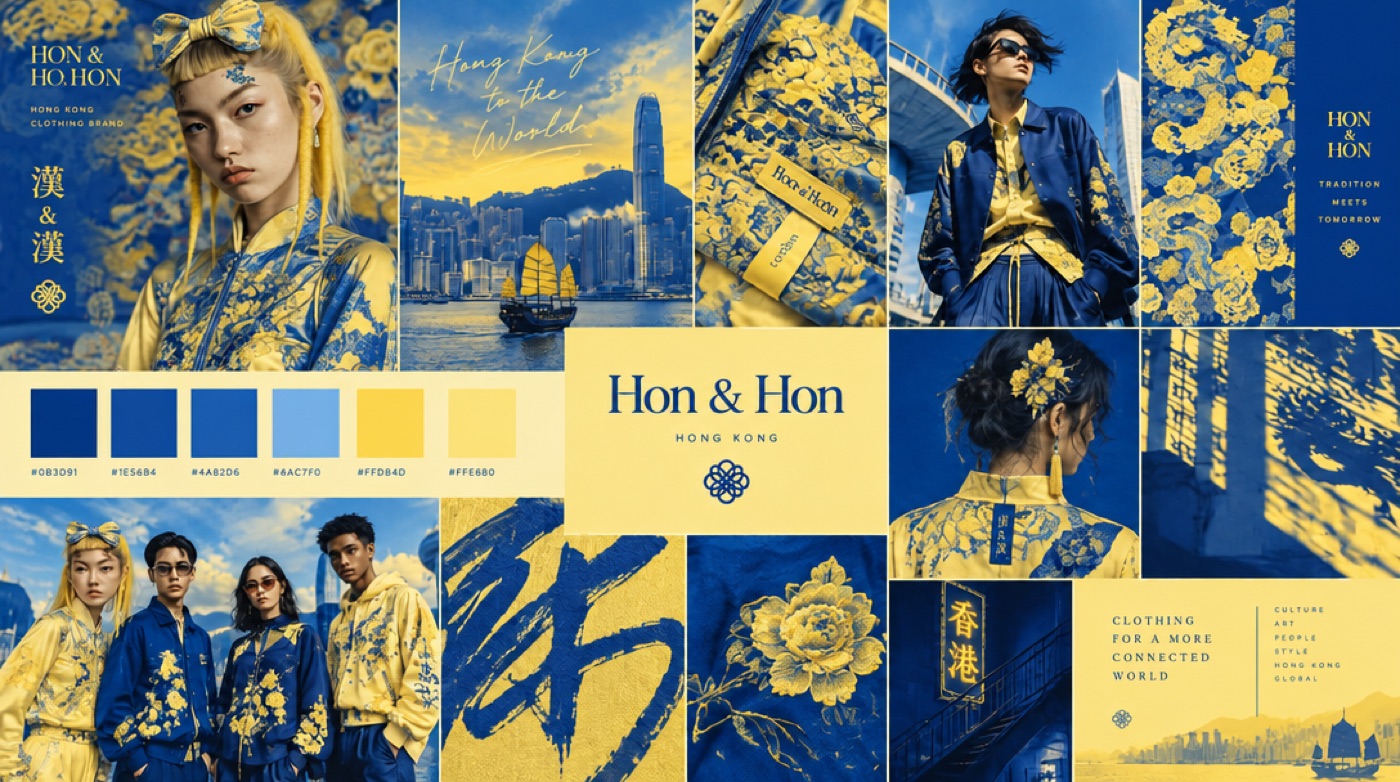
For a founder, that means one home for your brand. For a freelancer or an agency juggling clients, it means each client's visual direction stays where you left it.
Describe the brand in plain words. No keywords, no lens terms, no negative prompts.
The mood board is the brief for every image, so a product shot and a social post look like the same company.
Each brand keeps its own board, images, edits and mood board versions, separate from your other work.
Palette, typography and on-brand images you can actually use, not just a wall of inspiration.
If you like the knobs, such as picking the model, tuning settings and writing long prompts to get one exact frame, a general AI image generator will suit you better. MoodyBoards makes those choices for you, and that's the trade.
It's also not a replacement for a brand designer on a brand you'll live with for ten years. What it does is get you from “I have an idea” to a clear visual direction and a set of matching images fast. That direction is often exactly what you want to hand a designer later.
No. You describe your brand or project in plain language, and the mood board becomes the brief for every image after that.
We choose it for you and change it when a better model ships. You never have to compare models or pick one.
Generate them on the same board. Every image uses that board's mood board as its reference, so the palette, type and mood carry through.
Yes. Each brand or project gets its own board with its own mood board, images and versions.
Your first mood board and first image are free, no card required.