A moodboard sets how a brand should feel. A style guide writes down the exact rules once that feeling is decided. At MoodyBoards we make the first one, and it hands you the start of the second.
A moodboard is an early, loose collage that sets a brand’s feeling and visual direction: images, colors, textures and type that point the way. A style guide comes after the direction is chosen and documents the fixed rules: how to use the logo, the exact color codes, fonts and sizes, spacing, image style and tone of voice. The moodboard asks “what should this feel like?” The style guide answers “how do we make everything look like that, every time?”
There are really three documents, not two. The brand board sits in the middle and is the one people mix up most.
| Moodboard | Brand board | Style guide | |
|---|---|---|---|
| Purpose | Explore and agree on a feeling | Show the chosen identity on one page | Set the rules so work stays consistent |
| Stage | First, before anything is final | Middle, once the direction is picked | Last, once the identity is settled |
| Contents | Reference images, textures, rough colors, type that sets a tone | Logo, palette with color codes, main fonts, a few sample images | Logo rules, exact colors, type sizes, spacing, image style, voice, do’s and don’ts |
| Audience | The founder, the client, the creative team | Anyone who needs the brand at a glance | Everyone who makes anything for the brand |
| Who makes it | A designer or art director, often with the client | The designer | The designer or brand team |
| How often it changes | Often. That’s the point | Rarely | Rarely, and on purpose |
| Format | One visual page | One visual page | A multi-page document or site |
Agencies use these names loosely. What matters is the order: feeling first, rules last.
A brand moodboard is a single page of pictures and color that makes a feeling concrete. It usually holds:
It is meant to be argued with. You make two or three, react, and keep the one that feels right. For the full process, see how to make a brand mood board that gets approved.
A style guide turns the chosen direction into rules anyone can follow without asking the designer. A typical one covers:
A moodboard can be wrong and still be useful. A style guide has to be right, because people copy it exactly.
The moodboard is the raw material. You pull the rules out of it in a few steps:
Here is what that looks like with a sample wellness brand we made in MoodyBoards, called jilly. The board came from a short written description:
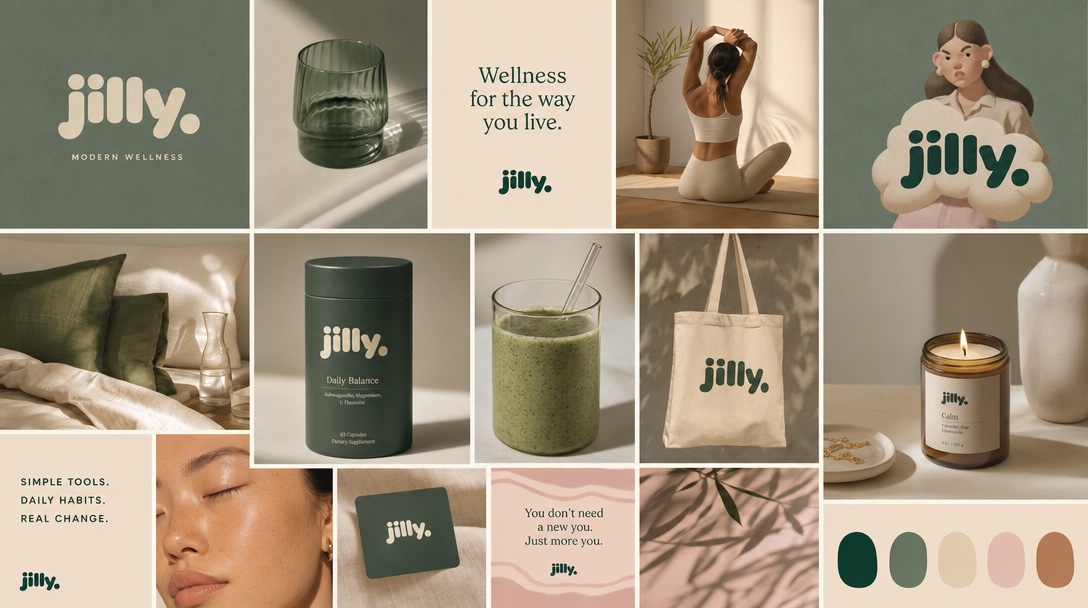
Every MoodyBoards board comes with its palette, type pairing and mood written out as a spec. That spec is the bridge: it is the color, type and image-style part of a style guide, already pulled out of the board. You add the logo rules, sizes and voice, and you have a working guide. For a step-by-step version, see how to make a brand kit with AI.
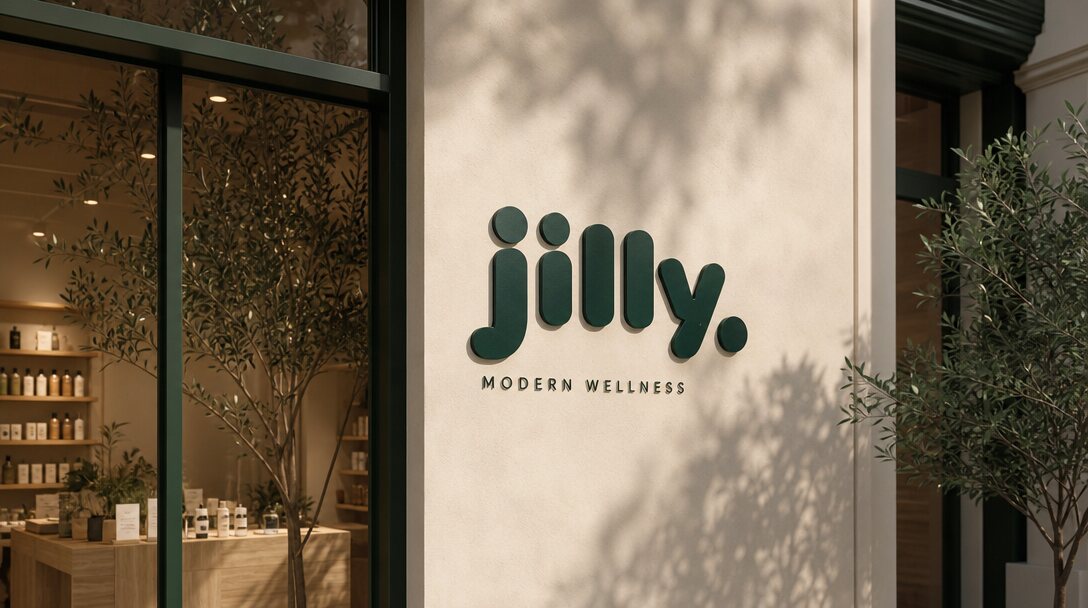
Full disclosure: this is our product. MoodyBoards makes the moodboard for you. You describe the brand in a sentence or two, or paste your website so it can find your logo and product photos, and it builds a board with a palette, a type pairing and images in one look. You can edit images after they are made, and make new on-brand images from the board later.
It does not write a full style guide or design logos. It gives you the direction and the palette, type and mood spec to build one from. Plans are Starter at $9.99 a month and Pro at $19.99 a month, monthly, cancel anytime. Signing up is free with no card, and you can make one board as a preview. See pricing for what each plan includes, or brand mood boards for how brands and agencies use it.
A moodboard sets the feeling and visual direction early, using loose images, colors and textures. A style guide comes after the direction is chosen and documents the fixed rules: logo use, exact colors, fonts, spacing, image style and voice.
No. A moodboard explores possible directions with reference images. A brand board shows the chosen identity on one page: the logo, the final palette with color codes, the main fonts and a few sample images. It sits between the moodboard and the style guide.
It helps. A style guide written without an agreed direction tends to get rewritten. A moodboard settles the feeling first, so the rules have something to describe.
Not once other people make things for the brand. A moodboard shows the feeling but not the exact rules, so two people can read it two ways. For a small brand starting out, a moodboard plus its palette and type is often enough for a while.
Yes. MoodyBoards builds a brand moodboard from a written description or your website, with a palette, a type pairing and images in one look, plus the palette, type and mood written out as a spec you can turn into a style guide.