You tried a template-based moodboard maker and the board felt generic. Here is why that happens, why some AI tools have the same problem, and what actually fixes it.
Yes, an AI generator is better when template results feel generic, because it builds the board from your specific brief instead of filling a fixed grid with stock photos. MoodyBoards generates the palette, type pairing, lighting and mood from a description, then makes images that follow it, so you avoid both generic templates and one-off AI images that don't match.
Full disclosure: we make MoodyBoards. Templates still have a place, and we say where below.
A template decides the board before you say anything about your project. That is the whole problem.
None of this means templates are bad. They are fast, and fine when you already know the look and only need a clean page to present it.
Switching to an AI image generator does not fix this by itself. Two things go wrong.
A board-first generator works the other way round. It sets the direction first, as one board: the palette, the type pairing, the lighting and the mood. Then every image is made from that board, so the set holds together. You can steer it with short notes like “warmer” or “less pink” and edit a single image after it is generated instead of starting over.
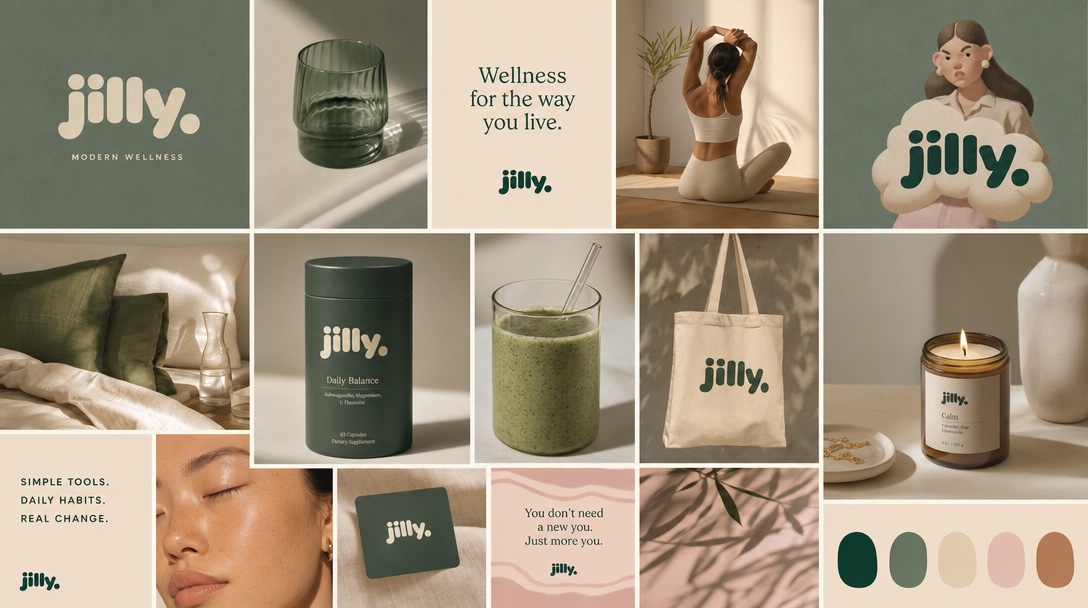
Here is the same brief run through both approaches. The brief: a modern wellness brand selling supplements, calm and grown-up, sage and cream, soft daylight, nothing clinical.
You search “wellness mood board,” pick a template, and replace its photos with stock results for “wellness,” “green” and “supplements.” You get a neat grid of leaves, yoga mats and pill bottles, a palette strip you pick by eye, and a default font. It works as a page. It does not say anything about this brand, and you have no product shots in the look.
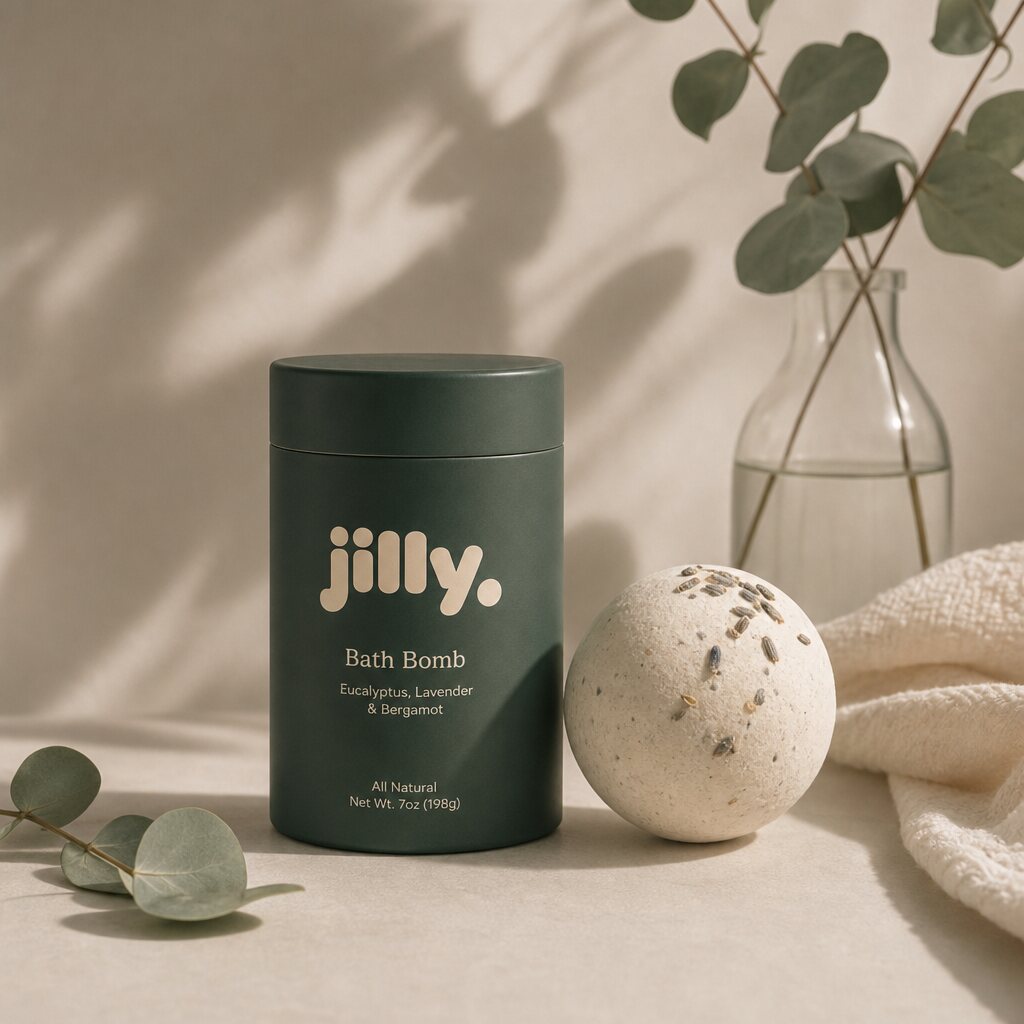
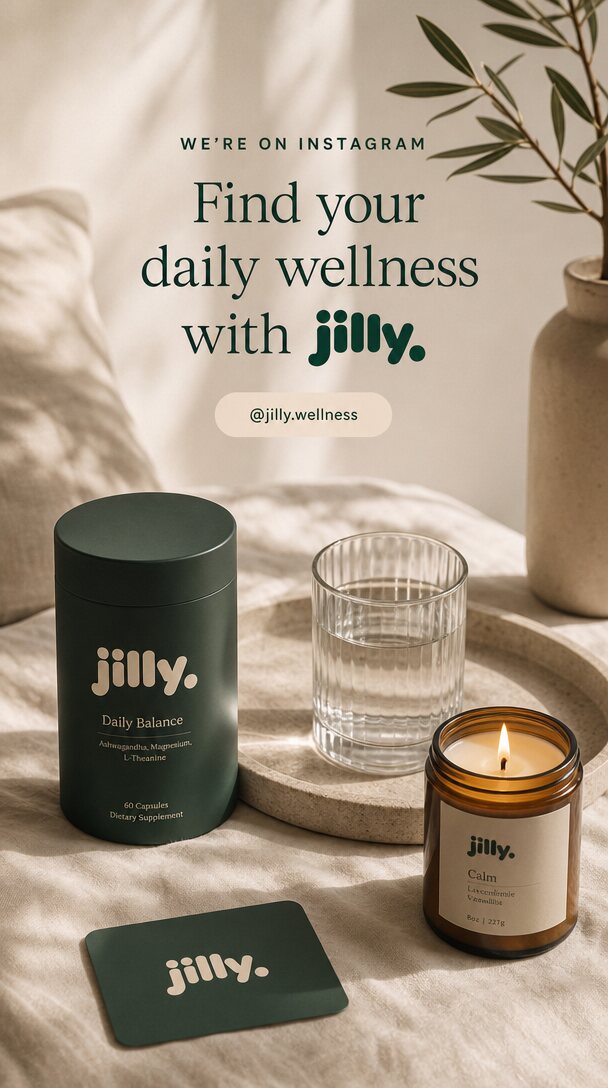
You paste the same sentence. The board comes back with one direction: a sage and cream palette, a rounded type pairing, soft daylight, and the brand's own objects shown in that light. From the board you then make new images, like a product shot or a social post, that keep the same look.
Three kinds of tool get called “moodboard makers.” They solve different problems. The names below are examples of each kind, not a ranking.
| Template makers (e.g. Canva, Venngage) | Image generators (e.g. Midjourney, Adobe Firefly) | Board-first generator (MoodyBoards) | |
|---|---|---|---|
| Originality | Low. Shared layouts and stock photos | High per image, but drifts to a safe look with loose prompts | High. Built from your brief |
| Consistency | Up to you to match photos by eye | Hard. Each image is prompted on its own | Built in. Every image follows one board |
| Control | Full manual layout control | Prompt by prompt | Brief, reference photos, short revisions, image edits |
| Time | Fast to lay out, slow to find photos that fit | Fast per image, slow to make a set match | One description to a full direction |
| Cost | Free plans common; check each site | Usually a subscription; check each site | No free plan. Free sign-up with one preview board, then $9.99 or $19.99 a month |
| Best for | Presenting a look you already know | Exploring single images | Finding a look and making on-brand images from it |
MoodyBoards prices are from our pricing page. For other tools, check their own sites, since plans change often.
If you want a longer look at specific tools, see our best AI moodboard generators roundup, or MoodyBoards vs Canva for a direct comparison.
Whatever tool you use, a vague brief gets a vague board. Four things make the difference.
Some briefs to start from:
For a step-by-step walkthrough, read how an AI moodboard generator works.
Use a template when the look is already decided, you have the photos, and you need a clean page by this afternoon. Use a board-first generator when the board felt generic because the direction was never set, or when you need more images later that match it.
Usually, yes. A board-first AI generator like MoodyBoards builds the board from your brief instead of filling a fixed grid with shared stock photos. It sets the palette, type, lighting and mood first, then makes images that follow that direction, so the result is specific to you and consistent.
Popular templates are used by many people, so the layouts repeat. The photos usually come from the same stock libraries, and the template decides the structure before you have said anything about your project.
Yes. If you prompt image by image, each picture drifts toward a safe average look and the set rarely matches. A short, specific brief and a tool that sets one direction first, then makes every image from it, avoids most of that.
Yes. In MoodyBoards you can paste your website so it finds your logo and product photos, or add your own reference photos to steer the board. You can also edit an image after it is generated.
There is no free plan. Signing up is free, needs no card, and you can make one board as a preview. Starter is $9.99 a month and Pro is $19.99 a month, billed monthly, and you can cancel anytime. See pricing.
Images you generate in MoodyBoards are licensed for commercial use with no attribution required, including client work, marketing, packaging and social media.