For getting a direction fast, use MoodyBoards. It turns the client's brief or current website into a moodboard with a palette, type pairing and mood, then generates on-brand images like packaging and social posts from that same board. So the pitch shows the direction applied, not just references.
If you have a brief but no images yet, MoodyBoards (ours) builds the board for you and then makes on-brand images from it. If you already have references and want to arrange them on a canvas with your team, Adobe Firefly Boards or Milanote fit better. If you mainly need a polished slide to present, Canva is the familiar choice. Many freelancers use two: one to find the direction, one to present it.
Full disclosure: I make MoodyBoards. I've also pitched clients as a designer for twenty years, and the hard part was never the deck. It was getting to a direction worth showing before the call. This page is about that step.
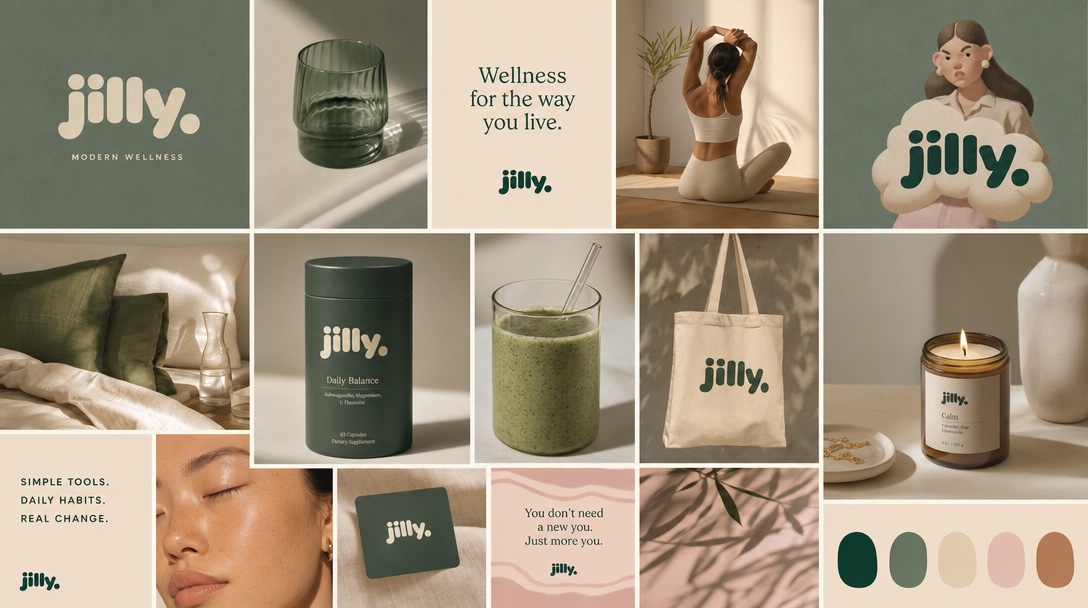
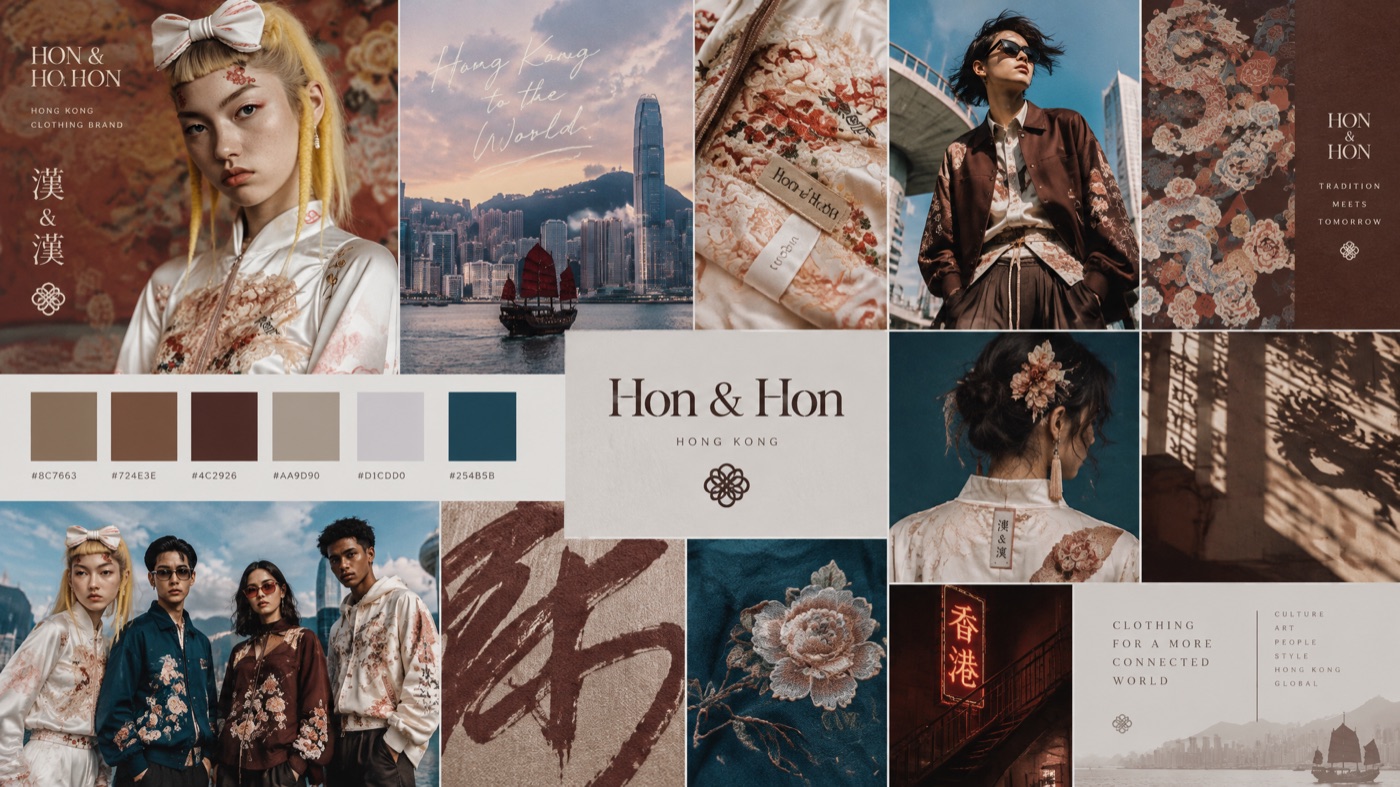
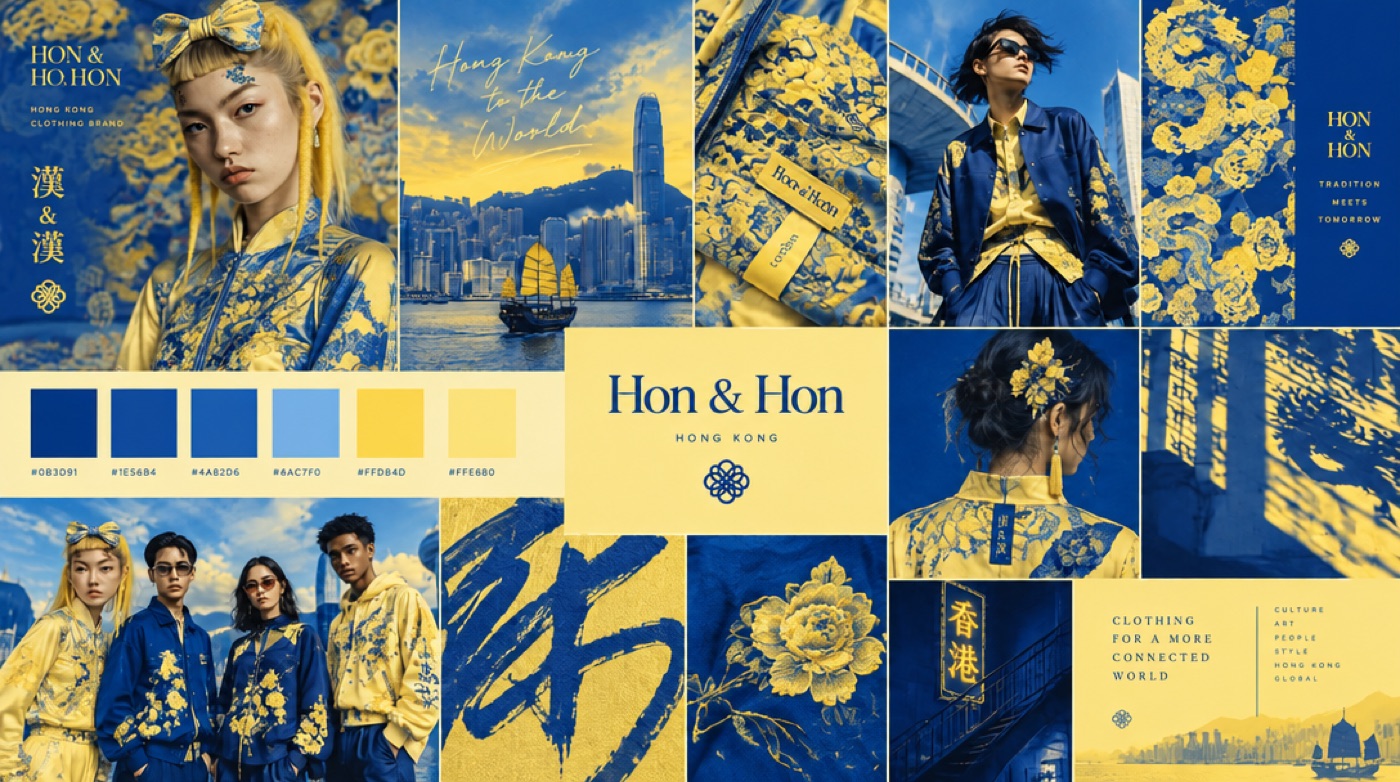
Clients usually want options. The trick is making each option look finished without tripling the work. Here's the workflow I use, with a sample brief.
For more on why clients ask for options and how to keep spec work cheap, see how to present design concepts without doing three times the work.
Keep the pitch to three things per direction.

If the client asks for a small change to one image, you can edit that single image with AI after it's generated. You don't have to rebuild the board.
Rival details below come from each company's own product pages as of November 27, 2026. Where their page didn't say, the cell says so. Check before you buy.
| Tool | Board from a brief | Applied on-brand images | Presenting | Collaboration | Price |
|---|---|---|---|---|---|
| MoodyBoards (ours) | Yes, from a description or the client's website | Yes, generated from the board | Download full-resolution images and the spec for your deck | Not the focus | Starter $9.99/mo, Pro $19.99/mo; free sign-up, one preview board |
| Adobe Firefly Boards | Generates images from prompts on an open canvas | You prompt each image | Presentation mode for clients | Real-time, in the same board | “Free to try”; plans on Adobe's site |
| Milanote | No; you collect references | Not mentioned on its site | View-only share link; PDF export | Comments, sharing, permissions | Free up to 100 notes, images or links; $9.99/mo yearly or $12.50 monthly |
| Canva | Templates you fill in | Check Canva's site | Slides and presentations | Yes | Check Canva's site |
| Storyflow | Describes itself as an AI visual workspace for creative teams | Check its site | Check its site | Built for teams | Check its site |
Commercial-use terms differ by tool and plan, so read each tool's terms for the plan you're on. MoodyBoards' terms are below.
Yes. Images you generate in MoodyBoards are licensed for commercial use with no attribution or credit required, on both Starter ($9.99/month) and Pro ($19.99/month). That covers client work, marketing, packaging, social media, storefronts and film projects. Images on Starter and Pro have no watermark, and full-resolution downloads are included.
Two honest caveats, from our FAQ. Under current U.S. law, purely AI-generated images may not be eligible for copyright protection, so you can't necessarily stop others from using a similar image (see the U.S. Copyright Office's guidance at copyright.gov/ai). And rights to any logo or photo you upload stay with whoever owns it, so only upload what you or your client have the right to use.
Plans are monthly and you can cancel anytime. Payments are non-refundable. Pro adds uploading your own moodboards and more room to generate. Full details are on the pricing page.
Use MoodyBoards if you want the direction made for you. Paste the client's website or describe their brief, and it builds a moodboard with a palette, type pairing and mood, then generates on-brand images like packaging or social posts from that same board. Use Adobe Firefly Boards or Milanote if you would rather arrange references yourself on a canvas.
Yes. Images you generate are licensed for commercial use with no attribution required, including client work, marketing, packaging, social media, storefronts and film projects, on both Starter ($9.99/month) and Pro ($19.99/month). Under current U.S. law, purely AI-generated images may not be eligible for copyright protection, and you need the rights to any logo or photo you upload.
There is no free plan, but signing up is free and needs no card. You can make one board as a preview to see the quality. Unlocking it and making more needs Starter ($9.99/month) or Pro ($19.99/month). Both are monthly and you can cancel anytime.
Yes. Paste their website when you start a new board and MoodyBoards finds the logo, product photos and social images, plus the company name and description. You tick the images to use, and the board is built around the real logo and products.
You can edit any single image with AI after it is generated, so a small change does not mean starting the board over.