You can ship the product in a weekend. Looking like a company that has existed for more than a weekend still takes longer. Here's what actually helps.
Solo founders in 2026 are shipping at speeds we've never seen. The code is handled — Claude Code, Codex, Cursor. The research is handled. You can go from an idea to a working app in a weekend, alone, and it'll be genuinely good.
Then you put it online, and it looks like a weekend project.
That's the whole gap now. Not the build — whether the thing looks like it belongs to a real company, and whether you can produce enough of it to put in front of people and find out if anyone wants it.
Be clear about where that gap actually is. Your AI will write the site, the app, the copy. What it cannot do is decide what any of it looks like — the colour, the typeface, the photography, the app icon, whether the landing page and the App Store screenshots feel like the same company. The building is solved. The direction and the artwork are not.
So the mood board stopped being a designer ritual and became a founder's tool for exactly one job: decide the look once, and come away with assets you can actually use. Site, store listing, social posts, icon — all of it downstream of one decision instead of twelve separate ones made at midnight.
Judge these tools on that.
Most mood board advice is written for designers with clients. Different job. You need three things:
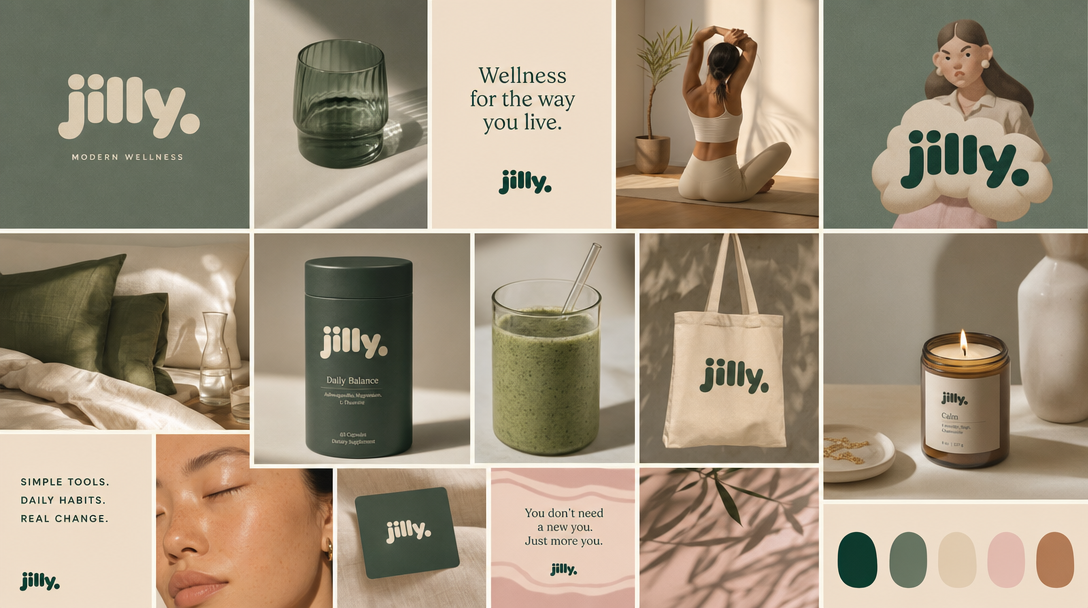
Describe your brand in a sentence and it generates the board — palette, typography, mood — then keeps going: a full brand kit, plus on-brand images generated from that direction. Packaging, social posts, key art, all inheriting the same look.
The part that matters here is that the board is the input, not the deliverable. You come out with images you can actually use and a palette to build around, and everything you make later matches because it came from the same direction.
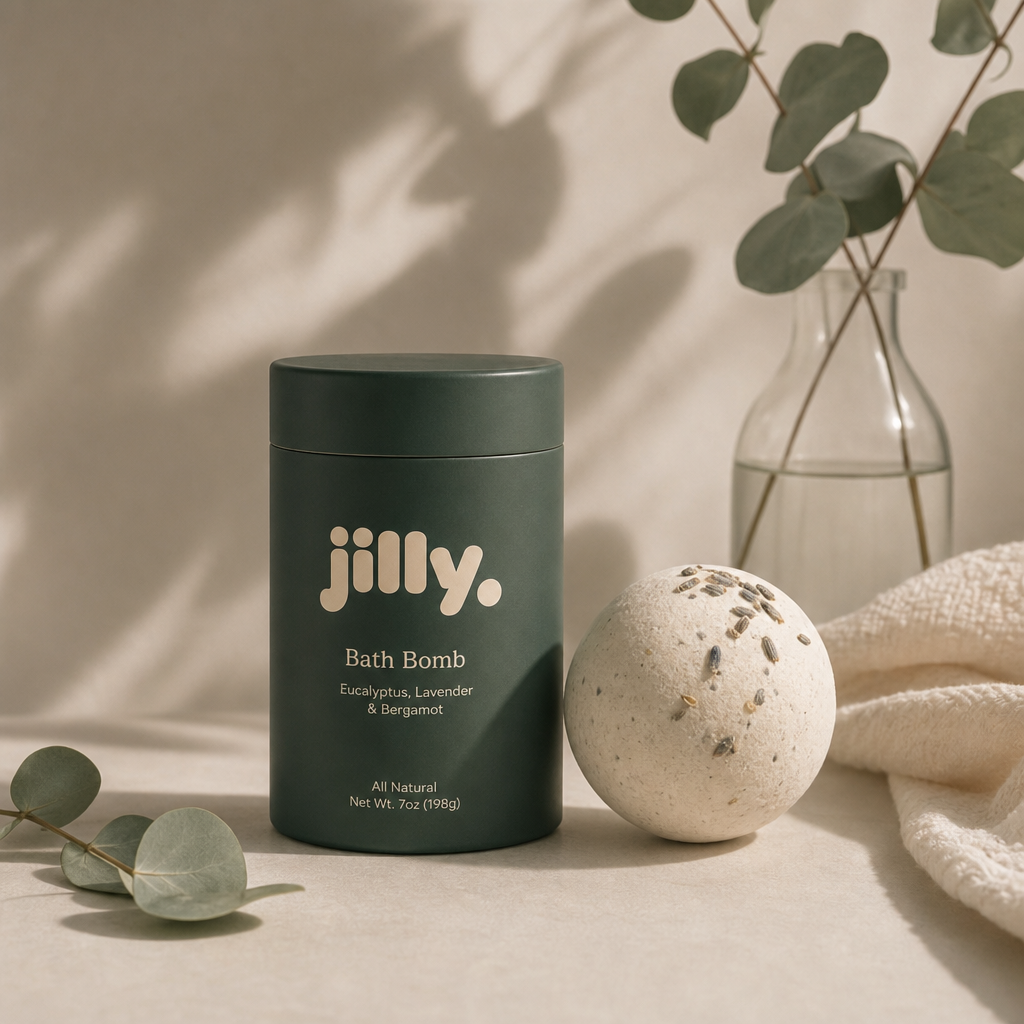
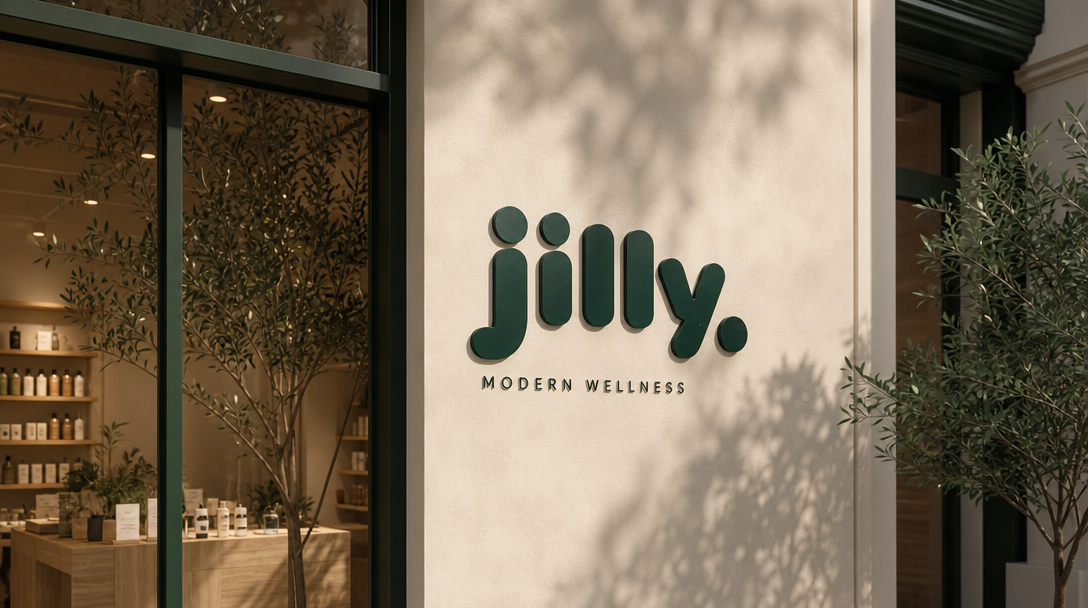
What you walk away with: A direction and original artwork — images you can put on the site, the store listing, the social post, all matching. Not code; you still build the thing, which your AI already does well.
Best for: Founders with no designer who need a look and the images to ship it.
Pricing: Free to start. Starter $9.99/mo, Pro $19.99/mo.
The default, and genuinely fine for the first hour. Enormous visual corpus, free, everyone knows how to use it.
Where it breaks: it's built for collecting, not deciding. You end up with 60 pins and no answer. And you can't ship a single pixel of it — everything on Pinterest belongs to someone else, so you finish with a folder of inspiration and nothing to put on the site.
What you walk away with: A folder of other people's images. Useful as reference, unusable as artwork.
Best for: Wide early exploration when you have no idea what you want.
Pricing: Free.
If you're already in Figma for the UI, FigJam is right there at no extra cost. Drop images on a canvas, pull colors with the eyedropper, keep it beside the actual product file. And you can mock up the real screens in Figma afterward.
The catch is that it's a blank canvas — a surface, not a direction. You supply all the taste, and you still have to source the image from somewhere else.
What you walk away with: A layout, and a place to keep it. The imagery is still on you — Figma won't make the pictures.
Best for: Founders already designing their own UI in Figma.
Pricing: Free tier covers this comfortably.
Templates, drag-and-drop, a big stock library, AI image generation. Genuinely fast on the asset side once you know your look.
But you're assembling from a template, and templates are shared. Canva output reads as Canva output — which is precisely the tell you're trying to avoid when someone's deciding whether you're a real company.
What you walk away with: A finished graphic, fast — one that looks like a lot of other finished graphics.
Best for: Producing social assets once your direction is settled.
Pricing: Free tier; paid plans start in the low teens per month.
The proper mood board tool, and the nicest to actually use. Freeform boards, notes beside images, clean enough to share with a collaborator.
Built for people who already think visually — it organizes taste, it doesn't supply any. And the board is the finished product; there's no path from board to assets.
What you walk away with: A decision, nicely organised. No artwork.
Best for: Founders with a clear visual instinct who want somewhere good to work it out.
Pricing: Free tier with a board limit; paid plan for more.
Generative boards inside the Adobe ecosystem. Strong image generation, and effectively free if you're already paying for Creative Cloud.
If you're not, it's a heavy thing to adopt for one job.
What you walk away with: Generated imagery you can use — if you're already an Adobe subscriber.
Best for: Founders inside Creative Cloud.
Pricing: Included with Creative Cloud plans.
The quiet one, and the most interesting if taste is the actual goal. Slow, text-friendly, no algorithm pushing you toward whatever's trending. Channels connect to each other, so your references compound instead of rotting in a folder.
Deliberately not a production tool. Nothing comes out of it but your own thinking.
What you walk away with: Taste. Nothing you can ship, and it isn't trying to.
Best for: Founders building taste over months, not shipping a page this week.
Pricing: Free tier; paid plan is inexpensive.
Sort by what's actually missing.
No taste, no time — the common case. MoodyBoards. Describe the thing, get a direction plus the assets to launch with, then let your AI build around them.
Taste, no time. Canva or Firefly, depending on whether you're already paying Adobe. You know what you want; you just need it rendered.
Taste and time. Milanote or Are.na to decide, Figma to build. The nicest process, and the slowest.
The real failure isn't picking the wrong tool. It's launching with no visual decision at all — because the code was the fun part and you ran out of road before the brand. You can build the product in a weekend now. Give the way it looks an afternoon.
Try MoodyBoards free